Data recovery
Getting data off a dead MacBook
The storage is soldered to the logic board. If that board will not start, everything looks lost. Usually it is not. Your files are still there, nothing can reach them any more.
Why this is different now
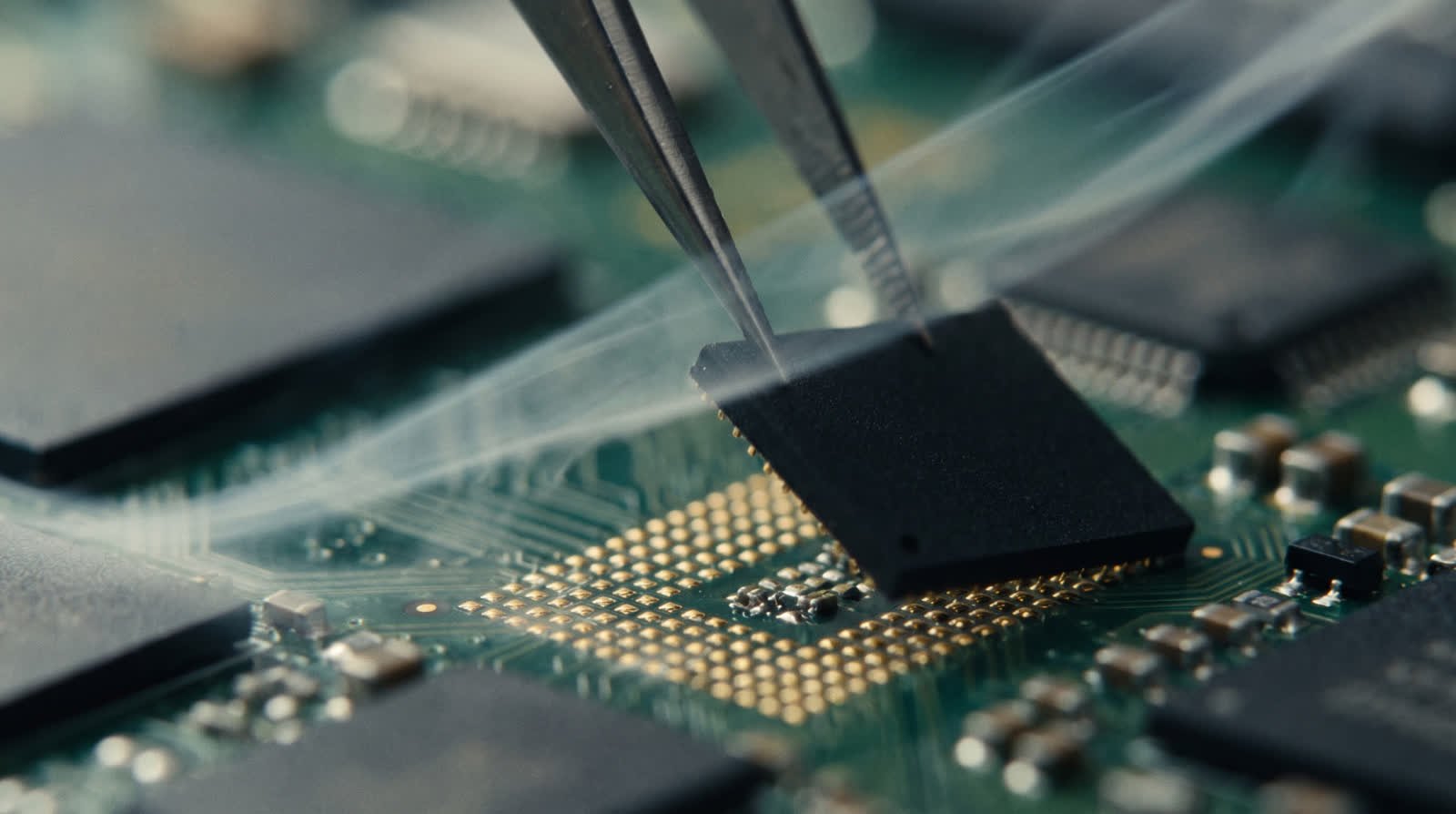
Until around 2015 a MacBook had a drive you could pull out and hang in another machine. That is over. On every modern MacBook the memory chips are soldered straight onto the logic board, and the key that unlocks them sits in the security chip on that same board. Chip and board belong together.
That has two consequences. The bad one: in a logic board swap your files leave with the old board, and that is exactly why people lose everything during a replacement. The good one: if the memory chips themselves are intact, there is nearly always a route to your files.
How we get to them
The first step is always the cheapest one: bring the board back just far enough to boot once. Often that is a matter of repairing a single power rail. If that works we read the storage out in target disk mode and you are done.
If it does not, the memory chips come off and go onto a test board, together with the security chip from the same machine. That is precise work, because the chips must not overheat and the pads underneath have to stay intact.
When it does not work
We would rather be honest than optimistic. If the memory chip itself has burnt out or corroded away, that is the end of it. If the drive was wiped or reinstalled, the encryption was set up again and the old files are not coming back. And if you kept switching the MacBook on after a spill, that lowers the odds every time.
So the same rule applies here: no files, no bill.
Prices
What data recovery costs.
| Situation | What we do | Price |
|---|---|---|
| The board still boots briefly | Temporary repair, read out, files onto a drive | from €249 |
| The board will not boot | Memory chips and security chip moved onto a test board | from €349 |
| After liquid damage | The above, plus cleaning and corrosion removal before anything is read | from €449 |
| Your drive or ours | Onto your own external drive is free. A drive from us costs what it costs. | from €0 |
These are starting prices, not fixed prices. Data recovery is the one job we cannot pin down, because nobody knows in advance how far the damage goes. A board with one dead power rail is half a day of work. A board whose memory chips have to be moved and read can take days, and sometimes more than one attempt. What is fixed: after the diagnosis you get one figure before anything happens, and that figure does not change without your say so.
Your files
What we do with your data, and what we do not.
This is the question people ask out loud and that almost no workshop will commit to. Our rules are here in writing:
- We do not open your files. We check that they are readable, and that can be done without looking at them.
- We copy nothing anywhere other than the drive that goes back to you.
- As soon as you confirm you have everything, we wipe our working copy.
- We only ask for your password when there is genuinely no other way, and then we explain why.
- If you want it on paper, we sign a confidentiality undertaking before you post anything.
Questions about data recovery
How long does data recovery take?
Count on five to ten working days. Reading out takes a long time because it is done slowly and with a lot of checking, and on a terabyte of files that is simply time.
I have no backup. How bad is that?
Annoying, but it is exactly what we exist for. The only thing to do now is stop switching the MacBook on, because every boot attempt can make things worse.
Can you do this on an iPad too?
Yes, it works on the same principle. The odds are lower, because more of an iPad hangs off the security chip. We tell you honestly where it stands after the diagnosis.
What if you find nothing?
Then you pay nothing for the work. Only the return postage, so your machine comes home.
Next step
No backup, and it will not start?
Stop switching it on and post it in. Every boot attempt can make the odds worse.